Court Deck
A five-lane visual start point connects each adaptive sport studio with access and safety stations.
 AccessCourt CompassADAPTIVE ARENA FOUNDATION
KNOW THE GAME · FIND YOUR PLACE
A deeper look at every offline module and how it supports practical preparation.
A five-lane visual start point connects each adaptive sport studio with access and safety stations.
Goalball, sitting volleyball, boccia, wheelchair pickleball, and wheelchair basketball receive distinct equipment and court orientation.
Six stations turn uncertain arrival, sensory, communication, equipment, recovery, and choice signals into useful questions.
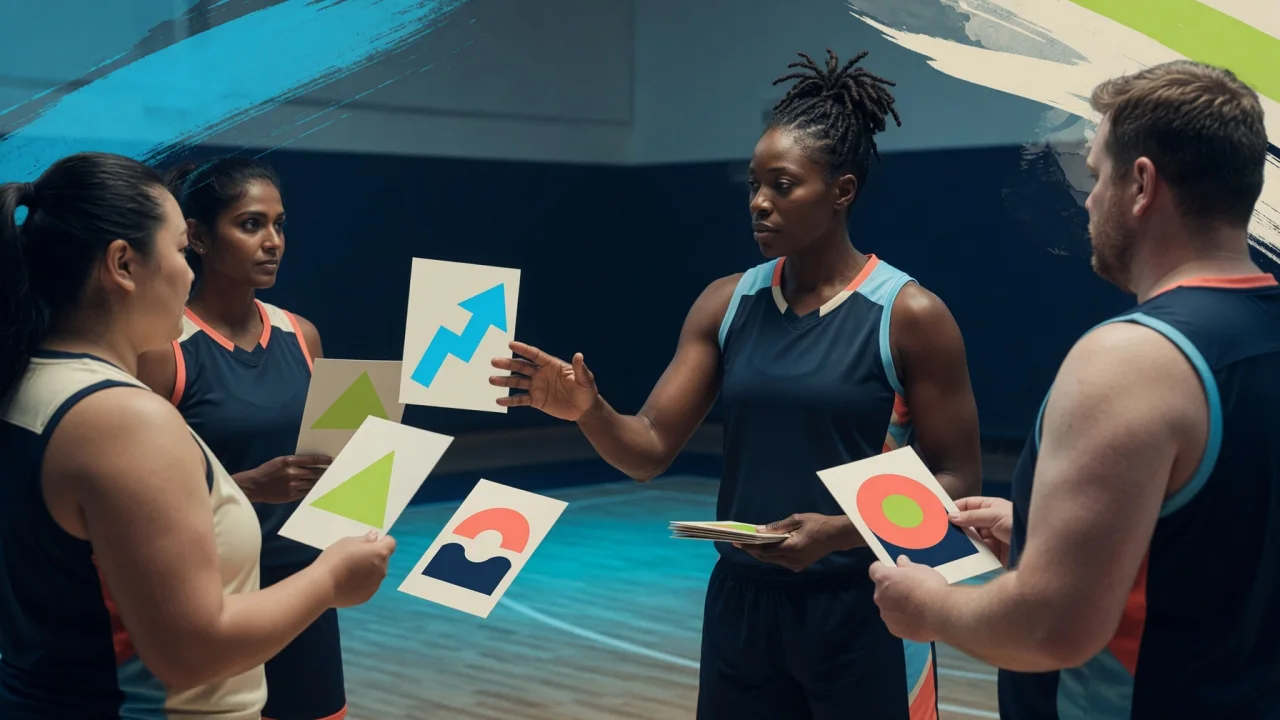
Eight prompt cards create a three-choice huddle that remains in temporary local session state.
Six practices protect athlete voice, observable youth interaction, role clarity, private information, and current verification.
Check-in, clear route, consent, communication, role limits, and closeout form a reliable support sequence.
Progressive preparation and stop boundaries keep the app in an educational—not clinical or emergency—role.
Thirty-five detailed cards provide practical cues, next steps, adult prompts, and transparent reference lanes.
References are visible as static text; local controls and all 18 policy sections remain available without a connection.
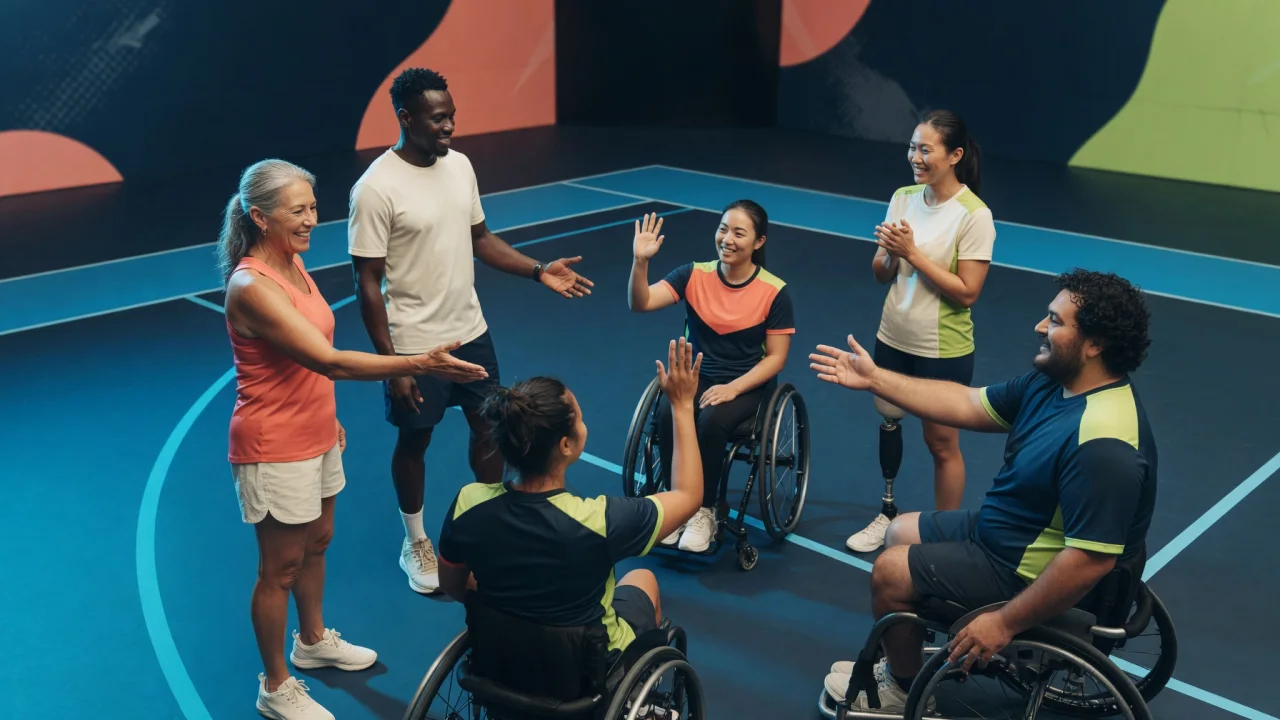
ONE VARIABLE AT A TIME
Each studio describes what to notice, what to ask, and one low-pressure first step. It explicitly sends equipment fitting, technique, risk assessment, and individualized planning to qualified people and current venue procedures.